

If you download a city area in Google Maps, it doesn't give you offline route planning. You can look at the map, but the route behind the walking man icon needs internet. Google's own help describes this specifically. For walking sightseeing, you should therefore prepare an application that can count a new pedestrian route on the downloaded map. These include Organic Maps.
Pre-departure check is simple: turn off Wi-Fi and mobile data, re-open the application, find a saved point and plan a new pedestrian route there. This shows more than the pipe at the end of the download. If you're just trying to see if everything works on the internet, you've basically tested your Internet.
Three separate things have to work.
The map, positioning and route planning are easily crossed in our heads. We see them all on the same screen, but they do a separate task.
The downloaded map keeps street and location information on the phone. The location is trying to tell us where you are compared to this. The route planning connects the departure point to the target, according to the mode of transport chosen. Just because the blocks are visible doesn't mean the phone knows your place. And even though the arrow that indicated your location has appeared, it's not certain that the app is planning the next 20 minutes' walk without the Internet.
That difference also helps to find a mistake. Is the background empty? Check the downloaded area. We've got the map, but no usable location? Check the location and reception conditions. Everything shows up, but the pedestrian route isn't ready? Then the offline ability of a particular application is the next question.
What's the Google offline map for?
The downloaded area of Google can be a useful reserve, especially when driving. The entire route must fit into the saved map. Offline does not provide live traffic information, and according to the official description, alternative routes are not available. It also does not produce a pedestrian, bicycle and public transport route plan without Internet access.
You can start downloading Android under your profile image in the Offline maps menu: select your own map, set the site and download it on iPhone as well. Before leaving check the status and update of the saved map; do not rely on a memory a month earlier. In some regions download may be limited.
If all you want to see in this town is the location of the surrounding streets, it's worth a lot. However, if you expect a new pedestrian route to the next corner, you need a different function. The two demands are worth separating at home.
A workable backup for walking
Organic Maps is also available for Android and iPhone, based on OpenStreetMap data. According to the development description, offline search and pedestrian navigation are also available in downloaded areas, the application is free of charge. From the official side, go to your own phone application shop; you do not need to search for an installation file from an unknown download page.
You can choose your target by searching, reading or pushing it to the map. Then you ask for the route to there and check if the pedestrian mode is selected. You can look at a route with another starting point, but the actual navigation starts from your current position.
That doesn't make all the addresses available in every country. The Organic Maps' help also indicates that there may be a missing location from the underlying map. If you are looking in a remote country, first open the downloaded map of it or enter the settlement. The absence of a hit alone does not say anything about whether the restaurant or accommodation exists.
Save the entrance to your accommodation
Looking for the name of an apartment, you might get exactly where you need to be. I would ask for a little more when preparing: a controlled front point, the address as text and, if necessary, a short arrival description. The gate, the taxi stop and the centre of the building marked on the map may differ. This can be cleared with the hostess.
Ask him for a close point that's easy to recognize. A square, gate or street name can help you coordinate even if your phone search does not find the same way of writing your accommodation. Important information should not just be in a message that you want to open first upon arrival.
The screen image is a useful supplement, especially from the entrance or the last few corners. But a recording doesn't redesign. If it changes on the way, you'll use it for something other than a working offline map.
Change the plan during the test
Download the area of arrival, the accommodation area and the parts between which you will move. The city centre map does not necessarily include the airport or the next settlement. The limit of rescue should be seen as the edge of a cut-out paper map: what remains outside must be prepared separately.
After that, search the target without a data link. Plan a new pedestrian route, then select another target. So you're checking to see if the app is a gift to work from the data on the phone. The mere retrospect of an earlier route proves less.
Try the actual position in the open air. According to the Organic Maps Guide, satellite positioning can work in flying mode without mobile data, if the device is suitable and the space is allowed. First positioning can take time, and within a narrow street or building there could be a problem with reception. In addition to the circle of great inaccuracy, do not insist that you are definitely standing in the right alley.
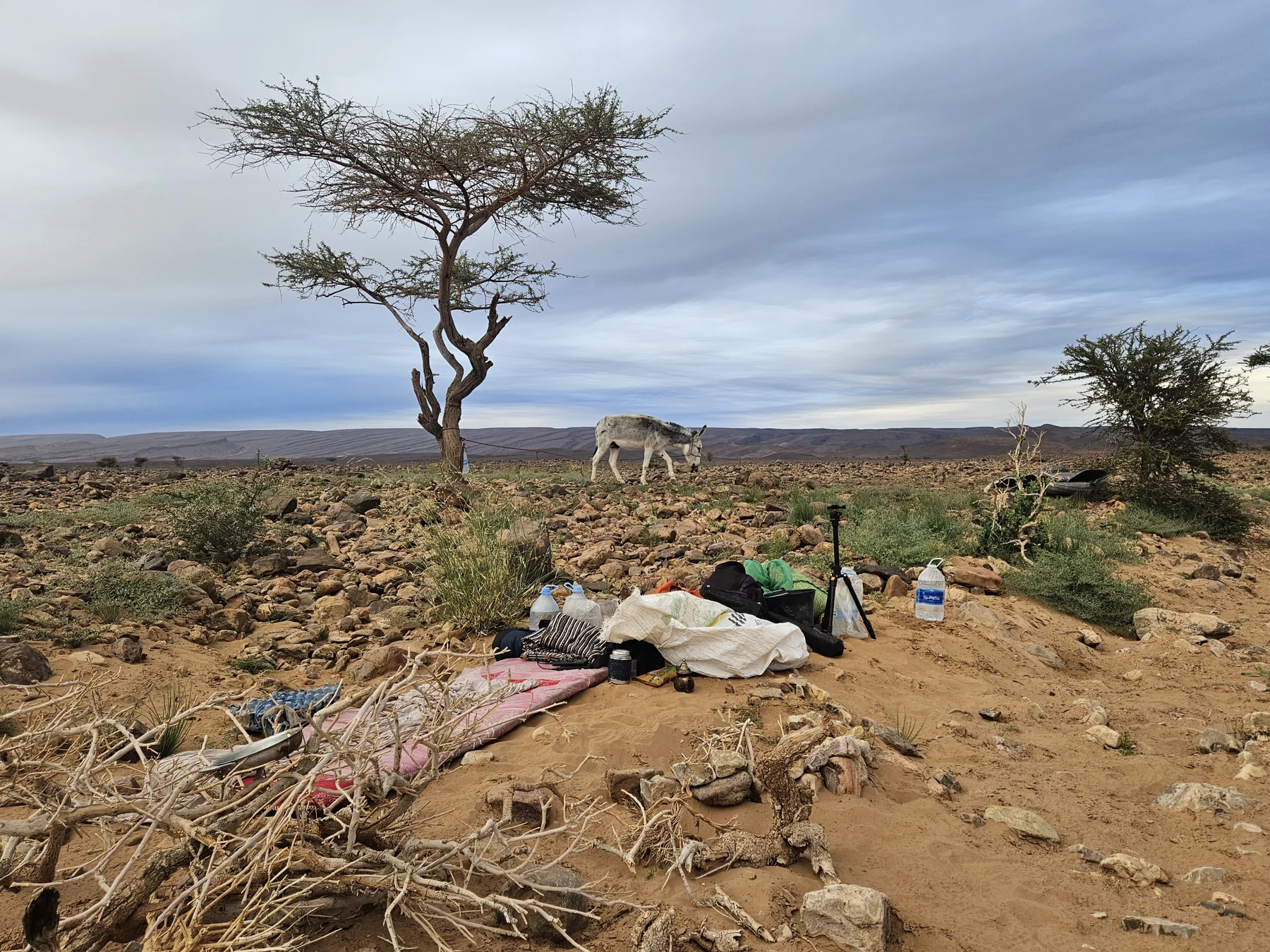
A line on a map is no guarantee on the ground
OpenStreetMap Community database: missing or incorrect points can be improved, but the data downloaded from the application is not the same as the current location. A nice, continuous line does not reveal itself whether that passage is now open or whether the entrance receives the arrivals.
For this reason, it is good to maintain the correct reach of the accommodation on a city walk. In mountain or desert terrain, the individual check of the route is an additional task; an urban navigation test does not replace this. The charged phone also has a very prosaic question: how do you charge it if the next outlet is longer?
I wouldn't install five new apps the night before we left. I'd like to pick one for the infantry offline, download the necessary area, and do the test. Wifi out, cell phone out, new target. Then we'll find out what the phone I'm taking with me really knows.
Sources and verification
Verification of functions: Applications may change; repeat the test on your own phone before you start.
- Google Map Help - Android - Download, territorial coverage, offline modes of transport and update.
- Google Map Help - iPhone and iPad - Official counterexample in Hungarian: you can see the limit on the offline pedestrian route plan here.
- Organic Maps - official function description - Offline search, pedestrian navigation, supported platforms and official download references.
- Organic Maps - route and navigation - Select target, mode of transport and actual departure point.
- Organic Maps - location not found - Search area, location name and possible shortages of basic data.
- Organic Maps - location - Location, flight mode, first location and reception limits.
- Organic Maps - Map Errors - OpenStreetMap origin and map update.
Control: 24 October 2026 The functions have been verified on the basis of official documentation, and this is not an application test on your own device. The pre-departure test and the prior consultation of the gate are editorial practical proposals. Undocumented field memory is not included in the article. The two own archive photos are illustration; they do not confirm application test, signal, GPS accuracy or specific route. The images have previously been published in other BMW articles.